
Description
What is Lightbox Lite?
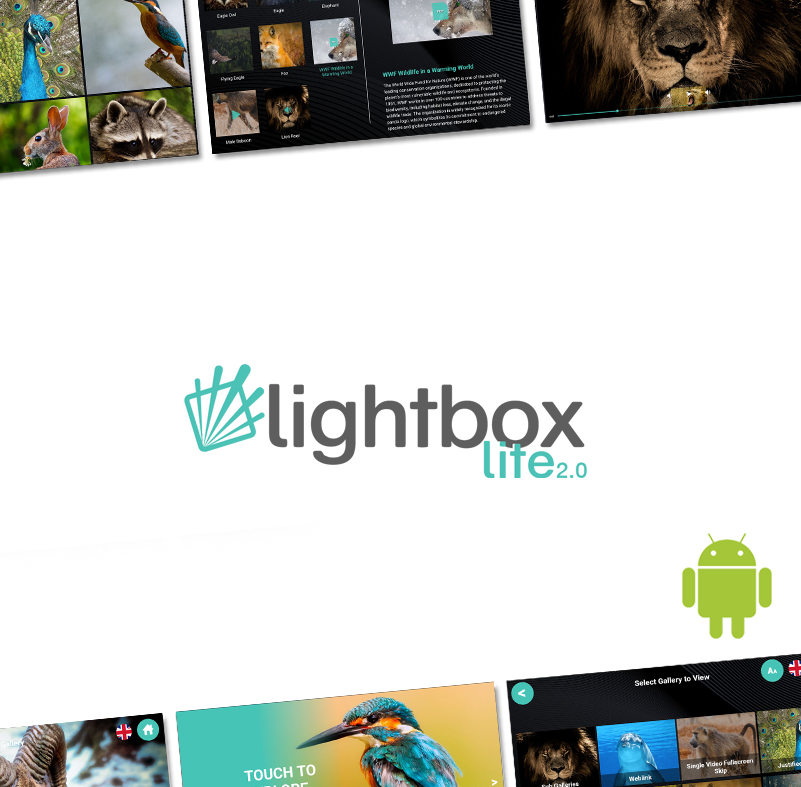
Lightbox Lite 2 is the second generation of our off-the-shelf software package developed specifically for Android tablets. It allows you to build your own exciting touchscreen interactives using the Windows based management software. Use your own media content to create educational and engaging visitor journeys.
Allow visitors access to optional Galleries, Quizzes or a Feedback form.
Lightbox Lite is supplied with a lifetime licence and ongoing support.
Galleries
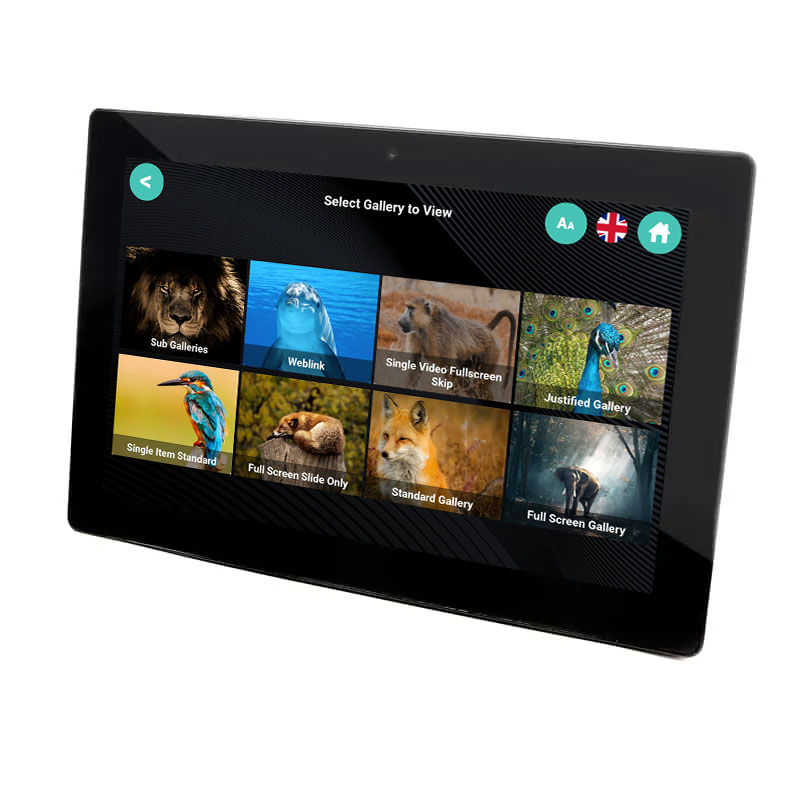
Educate and Engage visitors with ‘Galleries’. Display categories (and sub-categories) of multi-media content with 3 layout options;
- Standard
- Justified
- Fullscreen
Complete with a slideshow attractor screen and menu system that allow users to access the various ‘Galleries’.
Supported Media
Lightbox Lite supports images, audio, video and PDF’s alongside text descriptions.
Multi-Lingual Options
Lightbox Lite supports multiple languages on the front-end. Visitors simply select which language to view from the available dropdown. You can have completely different content displayed across each language option.
Weblinks
Link to external websites from within Lightbox Lite 2 – visitors will be locked down and unable to exit the desired domain.
Quiz
‘Quiz’ allows you to create simple multiple-choice questionnaires to test visitor knowledge. Set the questions, associated image, up to 4 answers for each as well as a customised results screen depending on the percentage of correct answers.
Visitor Feedback
Gather visitor comments with ‘Feedback’. This area of the application allows you to ask some simple multiple-choice questions as well as harvest visitor emails and more specific comments.
All stored on the device internally for access via USB when required.
Creating your Interactive
Create your entire interactive through the easy to use Lightbox Lite Content Management System. Install on a Windows device, import your content, and export onto an Android Tablet.
This new and improved version of the CMS makes it easier than ever to create and customise your interactives. Allowing you to drag gallery items into your desired order, change the background and fonts, add a video to the attractor screen and employ easy branding with the colour picker.
Displaying your Interactive
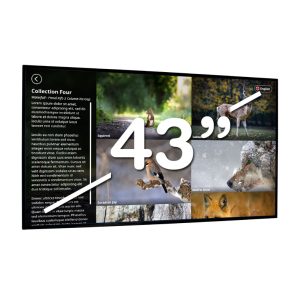
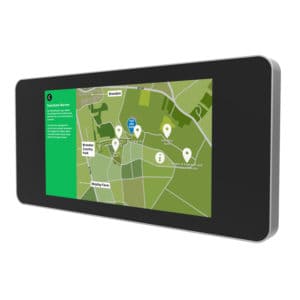
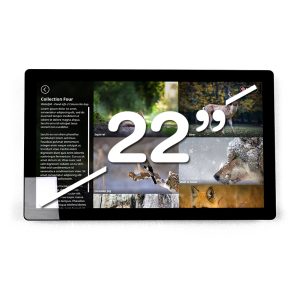
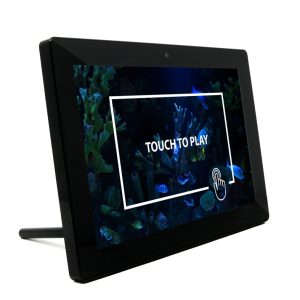
Lightbox Lite requires an Android Tablet to display content. Content is simply uploaded via USB. We only support LBL on our own Android tablets due to the custom ability to disable the notification bar, Android menu and specific version of Android OS. Check out our: